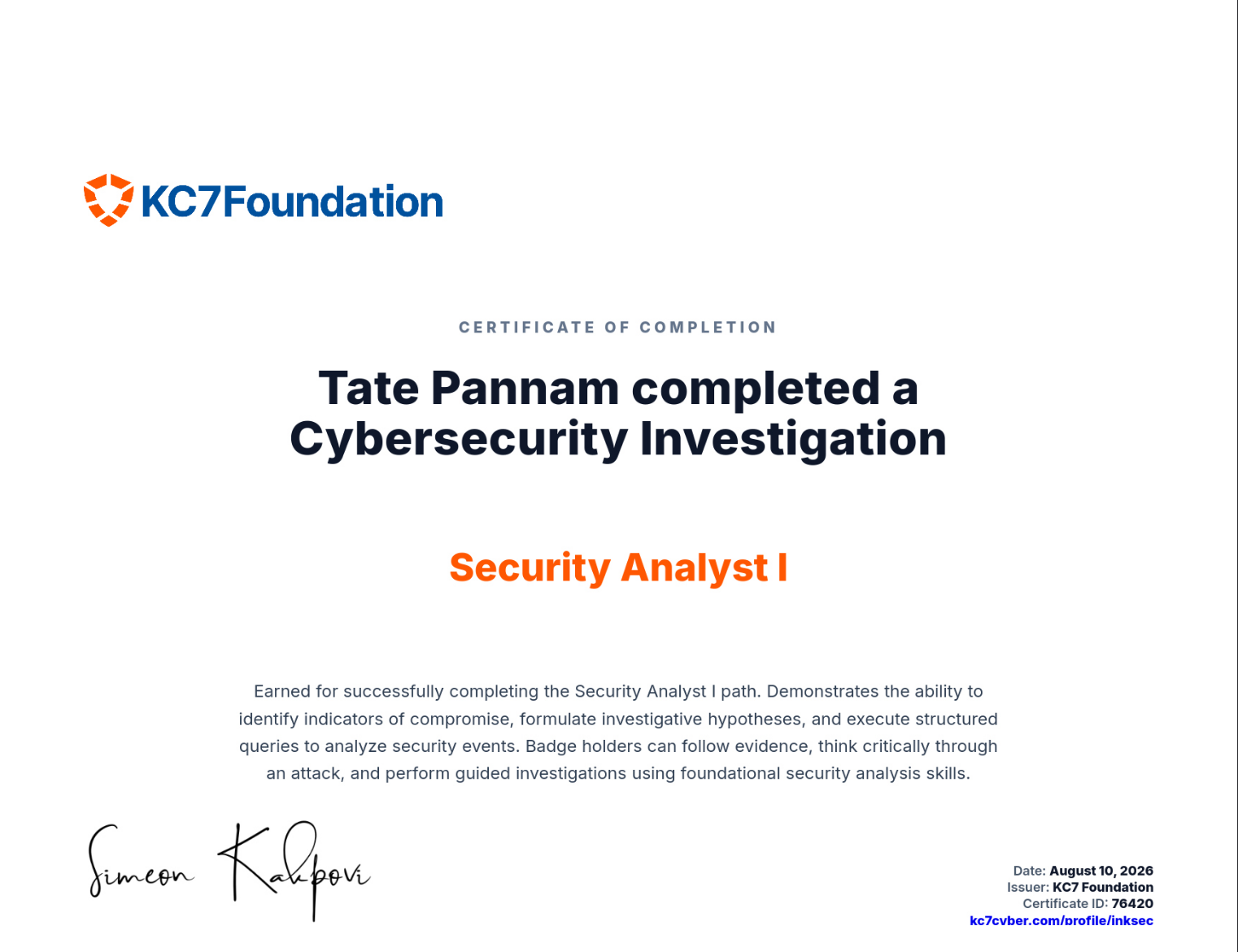
Jojo's Hospital: A Ransomware Investigation
The brief. Employees across Jojo’s Hospital can no longer open their files. A ransom note is sitting on at least one machine. This is a methodology walkthrough, not an answer key — the queries are the takeaway.
01 · Scope the blast radius
Before chasing a root cause, size the problem — locked files are identifiable by their new .encrypted extension.
FileCreationEvents
| where filename endswith ".encrypted"
| count
Then narrow that count down to distinct machines, since a high file count on one host reads very differently to the same count spread across the whole hospital.
FileCreationEvents
| where filename endswith ".encrypted"
| distinct hostname
| count
Confirmed: a multi-host encryption event, not a single machine acting up. Next question — is there a ransom note, and whose machine is it on?
02 · Find the ransom note
Ransomware groups almost always leave a note with a consistent filename. Search for it directly rather than hunting host by host.
FileCreationEvents
| where filename == "We_Have_Your_Data_Pay_Up.txt"
We_Have_Your_Data_Pay_Up.txt shows up on exactly one host — AMFB-MACHINE — written by explorer.exe under andavis’s profile, with a SHA256 hash captured for the note itself. One hostname to chase.
03 · Identify the victim
Employees
| where hostname == "AMFB-MACHINE"
AMFB-MACHINE belongs to Anthony Davis, Senior IT Administrator — andavis@jojoshospital.org. Not a random workstation: the ransom note landed on an admin’s own machine, which raises the stakes on however it got there.
04 · Zoom into the incident window
Pull every process on Anthony’s machine around the note’s creation time and sort newest-first, so whatever ran immediately before the note appears at the top.
ProcessEvents
| where hostname == "AMFB-MACHINE"
| where timestamp between (datetime(2024-06-17) .. datetime(2024-06-18))
| sort by timestamp desc
patient_data_exporter.exe stands out immediately — not a tool that belongs at a hospital, and not something Anthony’s role would have any reason to run. Where did it come from?
05 · Trace the rogue binary’s origin
OutboundNetworkEvents
| where url has "patient_data_exporter.exe"
Pulled from https://secure-health-access.com/tools/patient_data_exporter.exe — a domain dressed up to sound like legitimate healthcare infrastructure. That domain is the pivot into the attacker’s wider footprint.
06 · Pivot the attacker’s infrastructure
PassiveDns
| where domain == "secure-health-access.com"
| distinct ip
Two IPs come back — 203.0.113.1 and 203.0.113.2. Pivoting those back through passive DNS the other direction (any other domains sharing this infrastructure) turns up nothing further — this attacker isn’t reusing the pair for other lookalike domains, at least not ones DNS has seen.
PassiveDns
| where ip in ("203.0.113.1", "203.0.113.2")
07 · Recon against the hospital’s own site
With two attacker-owned IPs in hand, check whether they’d shown any interest in the hospital’s public-facing site before the ransomware landed.
InboundNetworkEvents
| where src_ip in ("203.0.113.1", "203.0.113.2")
| count
A meaningful number of hits from both IPs — enough to be reconnaissance, not a stray crawler. Filtering for intent makes the picture clearer:
InboundNetworkEvents
| where src_ip in ("203.0.113.1", "203.0.113.2")
| where url has "bypass"
InboundNetworkEvents
| where src_ip in ("203.0.113.1", "203.0.113.2")
| where url has "patient"
| sort by timestamp descRequests hunting for bypass and patient-related paths — this actor was scoping out both defensive controls and the data worth stealing before ever touching a workstation. That’s deliberate targeting of a hospital, not opportunistic malware.
08 · The login that made it possible
A rogue download doesn’t explain itself — check whether these same IPs ever successfully authenticated anywhere in the environment.
AuthenticationEvents
| where src_ip in ("203.0.113.1", "203.0.113.2")
A successful login from 203.0.113.1 against MAIL-SERVER01, username andavis, password hash captured — over a month before the ransomware note ever appeared. Confirming who that username belongs to:
Employees
| where username == "andavis"
Same Anthony Davis. The attacker didn’t need to phish him directly on the day of the attack — they were already sitting on valid credentials for the hospital’s own Senior IT Administrator, weeks in advance. That access, not a fresh compromise, is what let patient_data_exporter.exe land on his machine.
09 · Backtrack to the original lure
A month of dwell time on stolen credentials means the theft itself happened earlier and on a different host. A promo-themed filename turns up elsewhere in the environment that doesn’t fit anything seen so far:
OutboundNetworkEvents
| where url contains "raisinkane"
| distinct src_ip
| count
FileCreationEvents
| where filename == "Raisin_Kane_Promo_Offer.docx"
| sort by timestamp ascFileCreationEvents
| where hostname == "RQJQ-MACHINE"Raisin_Kane_Promo_Offer.docx lands on RQJQ-MACHINE — a completely different host from Anthony’s own machine, and from a different employee’s workflow entirely. The shape of the campaign comes together: a promo-email lure hit someone else in the hospital first, credentials moved from that compromise to andavis, sat unused for weeks, and were finally spent to plant the ransomware tool directly on the Senior IT Administrator’s own box — the machine with the most reach across the environment.
Timeline
| Date | Event |
|---|---|
| 2024-05-20 | Successful login as andavis from 203.0.113.1 against MAIL-SERVER01 — stolen credentials confirmed in use |
| 2024-06-17 14:22 | patient_data_exporter.exe downloaded from secure-health-access.com onto AMFB-MACHINE |
| 2024-06-17 14:49 | Ransom note We_Have_Your_Data_Pay_Up.txt written to AMFB-MACHINE |
Root cause: a promo-themed phishing lure (Raisin_Kane_Promo_Offer.docx) compromised a hospital employee’s workstation and, from there, the Senior IT Administrator’s own credentials. Those credentials sat dormant for roughly a month before the attacker used them to log into the mail environment and, later, to plant a disguised tool on the administrator’s own machine — deploying ransomware that encrypted files across multiple hosts and left a ransom note behind. Not a random opportunistic infection: reconnaissance against the hospital’s site, a deliberate lookalike healthcare domain, and a month of patient, credential-driven access.
Proof of completion:
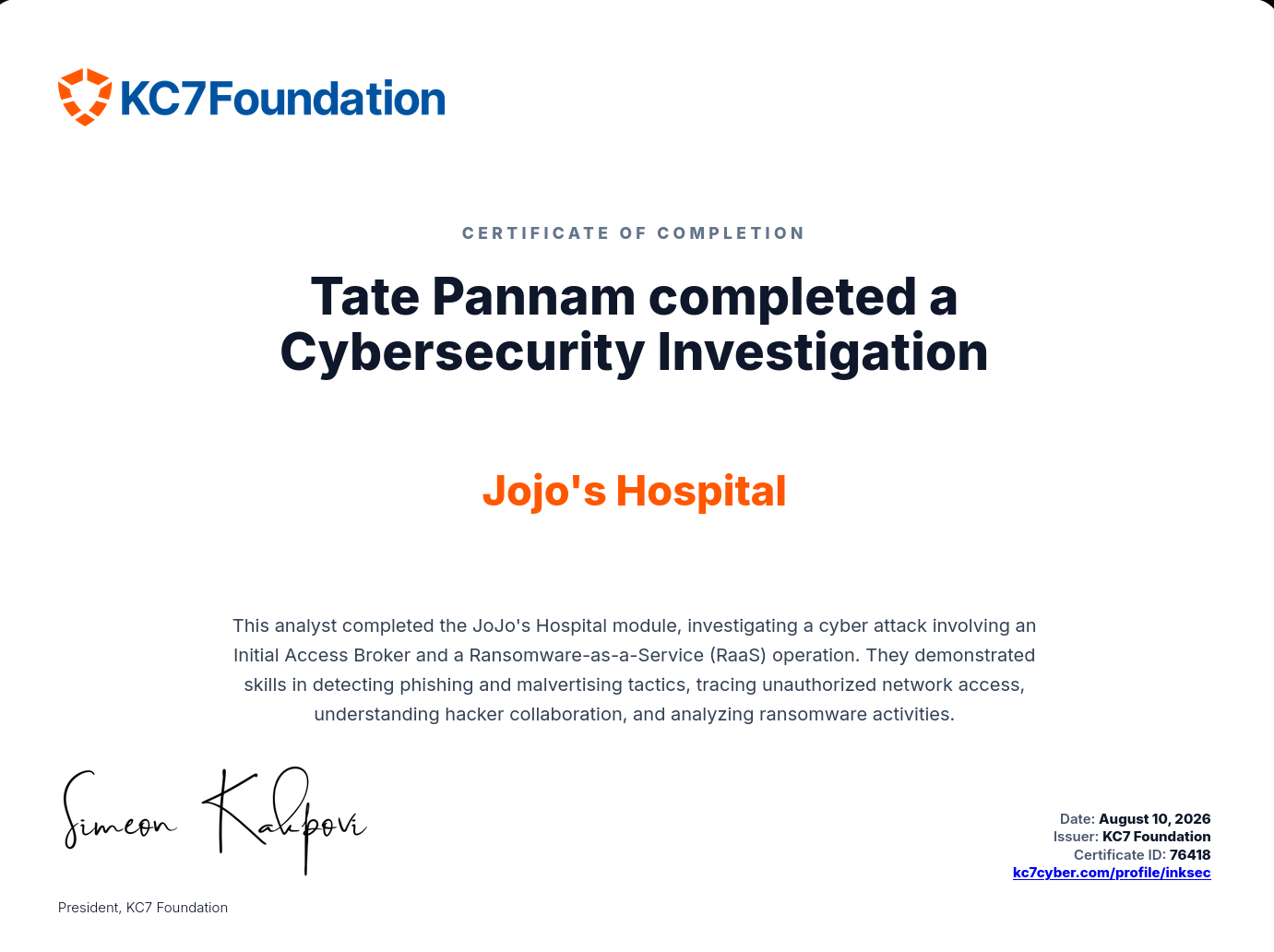
Learning pathway completed — Security Analyst I: